
E-Challan Scam: How Fake Traffic Fine Messages Steal Money

A text says your vehicle has a pending traffic fine and asks you to tap a link or download a file to pay it. That message is one of the most common traps on Indian phones this year. The e-challan scam uses fake traffic-fine alerts to push malicious Android apps (APK files) or lookalike payment pages, and then empties bank and UPI accounts. CERT-In, the PIB Fact Check unit and several state police forces have all issued warnings about it in 2026.
This guide explains how the fake e-challan message works, how to tell it apart from a real challan, how to check and pay a genuine fine safely, and exactly what to do if you have already tapped the link or installed the file.
What the official warnings say
- CERT-In (17 March 2026): India's cyber security agency reported a malware campaign that impersonates RTO and government e-challan notifications. Victims are lured into installing files typically named "RTO Challan.apk", "RTO E Challan.apk" or "MParivahan.apk", which work as a multi-stage "dropper" to steal financial information and make unauthorised transactions.
- PIB Fact Check (July 2026): warned that fake traffic challan messages on SMS and WhatsApp carry links, APK files or PDF attachments that can compromise devices, as reported by Business Standard.
- Kerala police (September 2026): described fake e-challan SMS messages from private numbers that open a copy of the Motor Vehicles Department portal, show a fake "Internal Security Review" box and download an APK, according to PTI via ThePrint.
- Kolkata Police: its cyber cell warned that fake traffic fine notices on WhatsApp and SMS carry .apk files disguised as pending challans, per the Times of India.
How the fake e-challan scam works
CERT-In's advisory lays out the typical sequence:
- The bait. A message such as "Your vehicle challan has been generated, download the receipt from the link below", with an APK file or a download link.
- The first app. Once installed, a harmless-looking app appears and asks you to tap "Install Update".
- The real malware. Tapping it installs a second, hidden app that does not show in your app list. It asks for access to SMS and calls, permission to run in the background, and sometimes to create a VPN connection.
- The theft. With SMS access the attackers can read OTPs, so they can approve transactions and take over accounts. Kolkata Police warned that once such a file is loaded, even two-factor authentication may not protect you.
Some versions skip the app and send you to a lookalike payment page that collects card details, UPI PINs or net banking passwords.
Red flags: fake vs real e-challan
- It asks you to install an app or open an APK. No government traffic portal sends challans as APK files over SMS or WhatsApp.
- The sender is a private 10-digit mobile number, not an official sender ID.
- The link domain is odd: spelling variations, extra words or shortened links such as bit.ly instead of an official government domain.
- Urgency and threats: "pay today or your licence will be suspended", or a court case "in two hours".
- No real details: genuine challans carry your vehicle number, the violation, place and time, and a challan number you can verify independently.
- A "security review" or "verification" pop-up that asks you to download something, as described by Kerala police.
How to check and pay a genuine challan safely
CERT-In's advice is to verify all traffic challans only on the official portal, echallan.parivahan.gov.in, or your state traffic police website or app. Type the address yourself or use a saved bookmark; do not tap a link from the message. Search by vehicle number or challan number. If the fine is not listed there, treat the message as fake.
Some states run their own systems. Kolkata Police, for example, directs online payments to the state portal sanjog.wb.gov.in and offline payments to its traffic counters. If in doubt, visit or call your nearest traffic police station using a number you looked up yourself. Lookalike domains are a pattern across government services; the same caution applies to Aadhaar, PAN and gas KYC portals, as in our LPG e-KYC guide.
What to do if you clicked the link or installed the file
Act fast. CERT-In recommends:
- Disconnect mobile data and Wi-Fi immediately.
- Uninstall the e-challan app and any other suspicious apps from Settings, then Apps.
- Run a trusted mobile security scan and make sure Google Play Protect is on.
- Change passwords and your UPI PIN from a different, clean device if possible.
- Check bank statements and UPI history for unauthorised transactions and call your bank to block cards if needed.
If money has left your account, call the 1930 cyber crime helpline or file a complaint at cybercrime.gov.in straight away. Quick reporting, ideally within the first hours, improves the chance of freezing stolen funds. If you only received the message and did not lose money, you can report it through the Chakshu facility on the Sanchar Saathi portal, which takes reports of suspected fraud SMS, calls and WhatsApp messages. Then delete it and block the sender, and do not forward it.
How to protect your phone
- Keep "Install unknown apps" turned off for WhatsApp, Messages, Telegram and browsers.
- Download apps only from official app stores, and check the developer name, reviews and download counts.
- Never grant SMS, call or Accessibility permissions to an app you did not deliberately look for.
- Install Android security updates as soon as they arrive.
- Talk to older relatives and drivers in the family; scammers target anyone with a registered vehicle.
The e-challan trick is part of a wider pattern of impersonation fraud. Read how the digital arrest scam uses fake police calls, and how CNAP caller name display gives you an extra check on unknown callers. If you pay fines or bills by UPI, our explainer on the new UPI merchant fee rules explains what genuine charges look like.
Frequently asked questions
How do I know if an e-challan message is real?
Ignore the link. Open echallan.parivahan.gov.in or your state traffic police site yourself and search your vehicle number. If no challan appears, the message is fake.
Can a fake e-challan app steal money without my OTP?
It can read your OTPs. CERT-In says the malware seeks SMS and call permissions, which lets attackers intercept codes and approve transactions.
Where do I report e-challan fraud?
Call 1930 or use cybercrime.gov.in if you lost money. Report suspicious messages without loss through Chakshu on Sanchar Saathi.
Does the government send challans on WhatsApp?
Official warnings say to verify every challan on the official portal, whatever channel the message arrives through, and never install an APK sent in a message.
Sources: CERT-In advisory CICA-2026-3492 (17 March 2026); PIB Fact Check warning reported by Business Standard (July 2026); Kerala police advisory reported by PTI/ThePrint (September 2026); Kolkata Police cyber cell advisory reported by the Times of India.
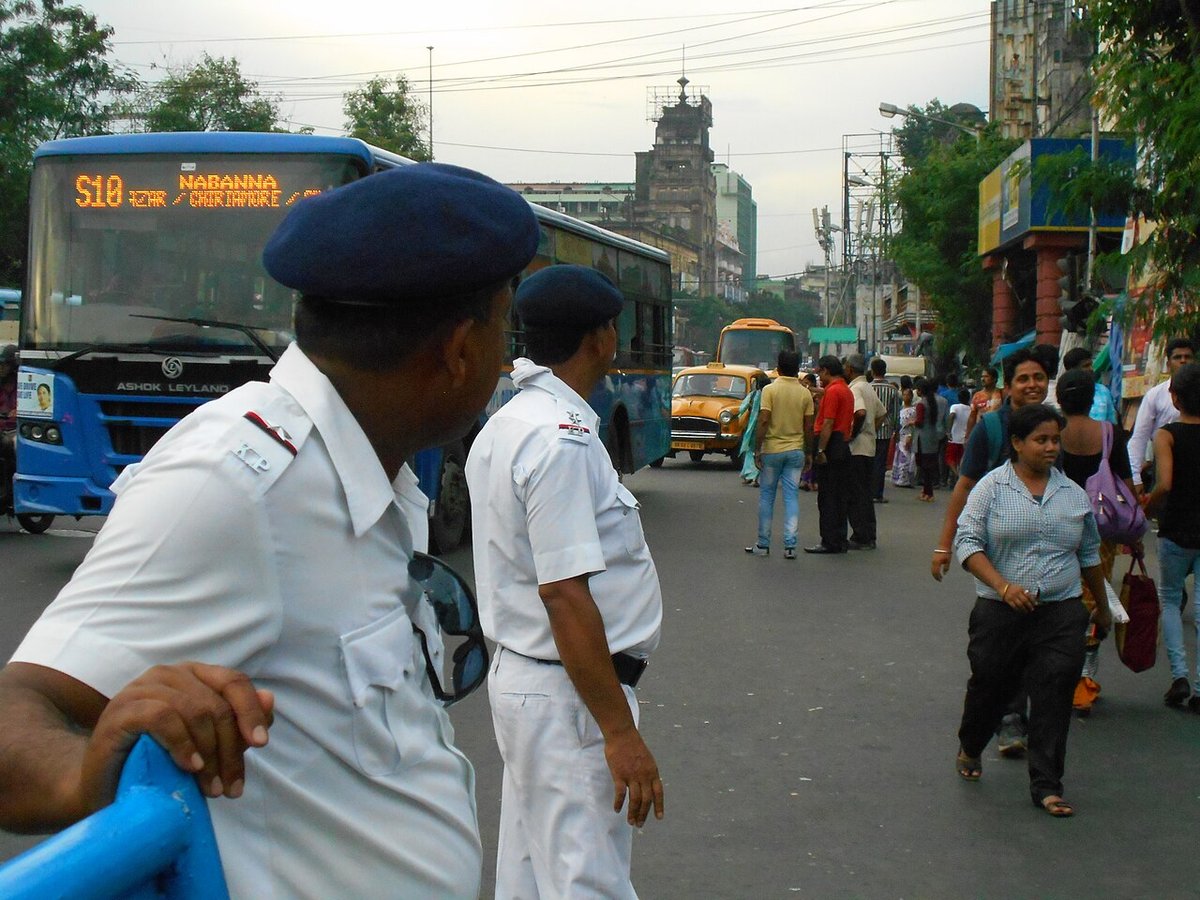
Featured image: Indrajit Das / Wikimedia Commons, CC BY-SA 3.0 (resized). Kolkata Traffic Police at Esplanade; illustrative, not linked to any scam case.